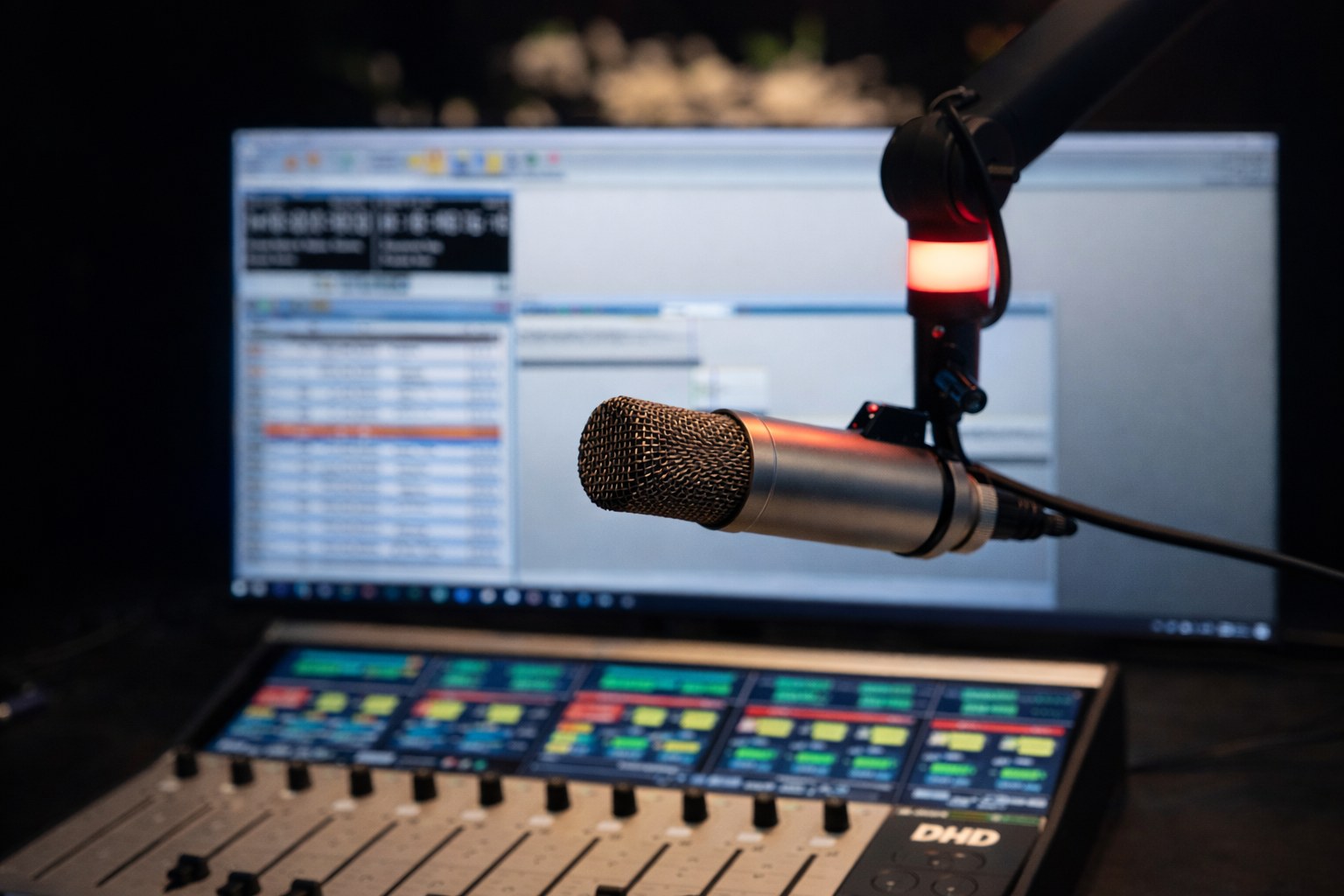
Power Studio version 1.24.1
Sun, 02 AugPower Studio version 1.24.1 brings several important improvements for modern studio workflows. This release adds a local audio cache, Companion / Stream Deck control, new mixer and control-system integrations, remote Recorder control and a set of usability and stability updates across the application.
Power Studio users can download version 1.24.1 from the download-page. The full release notes are listed below.
Local Audio Cache
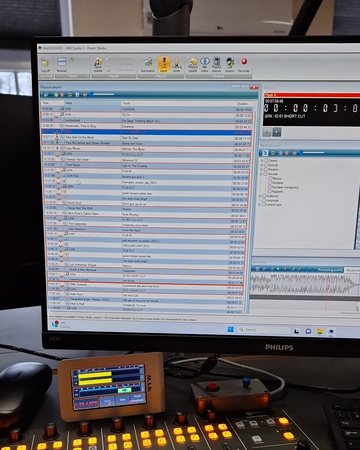
Power Studio now includes a local audio cache. This makes it possible to download audio for the playout playlist locally before it is needed on air.
This is especially useful in setups where audio is stored on a network location, when voicetracking from home or in a remote broadcast situation. The cache can help keep playout reliable when a network share is temporarily slower or unavailable.
The feature can be enabled in Options & Settings > General > Local asset cache.
Companion / Stream Deck Control
Power Studio can now be controlled through Bitfocus Companion. This makes it possible to operate Power Studio from a Stream Deck or another Companion-compatible control surface.
Operators can create practical button pages for live use, including playout players, cart players, playlist control, Mix Editor and Recorder control.
The Companion module includes ready-to-use controls for:
- Player A-D transport.
- Cart players and cart rack buttons.
- Playout mode switching, including Automation, Live Assist and Training Mode.
- Setting visible playlist items as next.
- Mix Editor control.
- Recorder control.
Buttons can show live information such as artist/title or cart names, and can change color based on the current Power Studio state. This includes playing, cued, PFL, selected cart, next playlist item, recording state and connection status.
The module also supports Companion feedbacks and triggers, so button pages can react automatically to changes inside Power Studio.
Playout Player PFL Preview
Power Studio now includes an optional Auto preview on PFL setting for playout players.
When enabled, switching PFL on for a loaded player automatically starts that player on its configured PFL output. This lets presenters quickly pre-listen to the item already loaded in Player A-D.
Ember+ Control Plugin
Power Studio now includes an Ember+ Control Plugin.
Ember+ is used by several broadcast audio and control systems. This makes it possible to connect Power Studio to Ember+-compatible equipment from manufacturers such as Lawo, D&R, DHD and other broadcast mixer, router, matrix and control-system vendors.
With this plugin, Power Studio can be connected to supported consoles or control systems to control or follow parameters and matrix connections from inside a broadcast workflow.
The plugin includes a browser for the Ember+ structure of the connected device, making setup easier when working with larger systems.
DHD Global Logics Plugin
Power Studio now includes a DHD Global Logics Plugin.
This allows Power Studio to exchange logic states with compatible DHD systems. For example, Power Studio actions and states can be linked to DHD console buttons, fader-start logic, GPIO-style workflows, cart/player states, PFL/cue states or on-air related logic.
This makes it easier to integrate Power Studio into studios that use DHD audio consoles and control logic as part of their daily workflow.
Recorder Remote Control
The Power Studio Recorder can now be controlled remotely through the Rest API.
This makes it possible for external tools and integrations to start, stop and control Recorder operation from outside the Power Studio user interface.
This is also used by the new Companion module, so Recorder actions can be placed directly on a Stream Deck button page.
Mix Editor
The Mix Editor has received several usability and reliability improvements.
Undo handling has been improved, and audio refresh behavior is now more predictable while playing and after playback ends.
This should make editing mixes smoother and reduce situations where the displayed state does not immediately match what the user expects.
Download Item Plugin
Generated and downloaded audio handling has been improved in the Download Item plugin.
This makes downloaded or rendered items behave more consistently when used in Power Studio, especially in combination with stored or cached audio.
Installer
The installer has improved handling for Windows time synchronization setup.
This helps keep studio PCs correctly synchronized, while being more careful with existing Windows configuration during install and uninstall.
Improvements & Bug Fixes
- Improved configuration screens and reconnect behavior for several hardware and control plugins.
- Improved handling of database errors.
- Fixed an issue in the Track Browser where context menu items could be reused incorrectly after reopening a menu.
- Improved diagnostic information when forms are opened or closed during error reporting.
- Added several smaller stability improvements throughout the application.